Download link: https://www.ncnetic.com/NCneticNppPlugin.zip
Notepad++ is a powerful tool for editing G-code programs, offering features such as syntax highlighting, file comparison, and advanced search and replace.
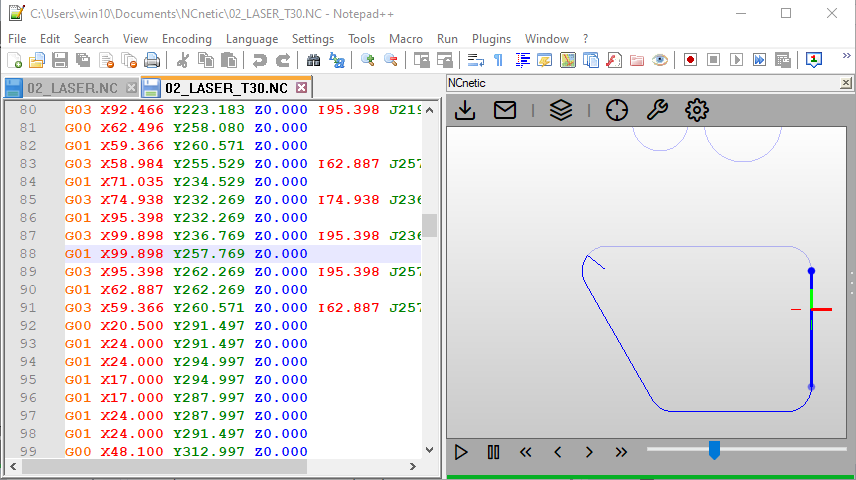
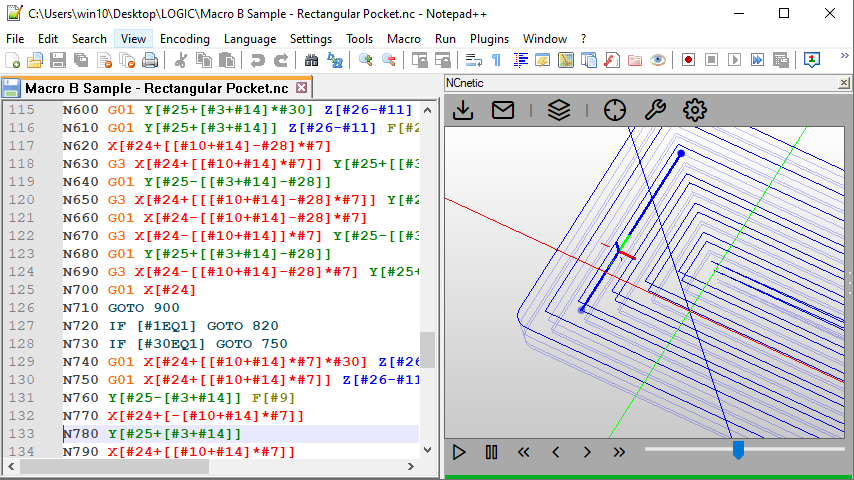
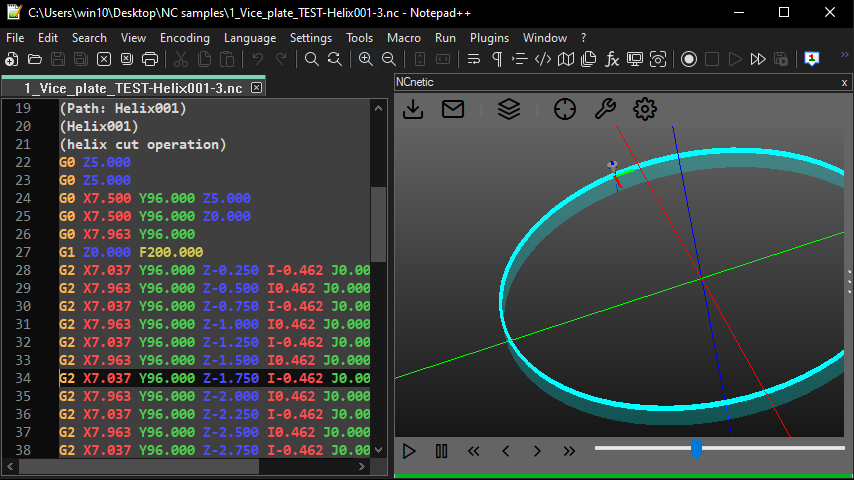
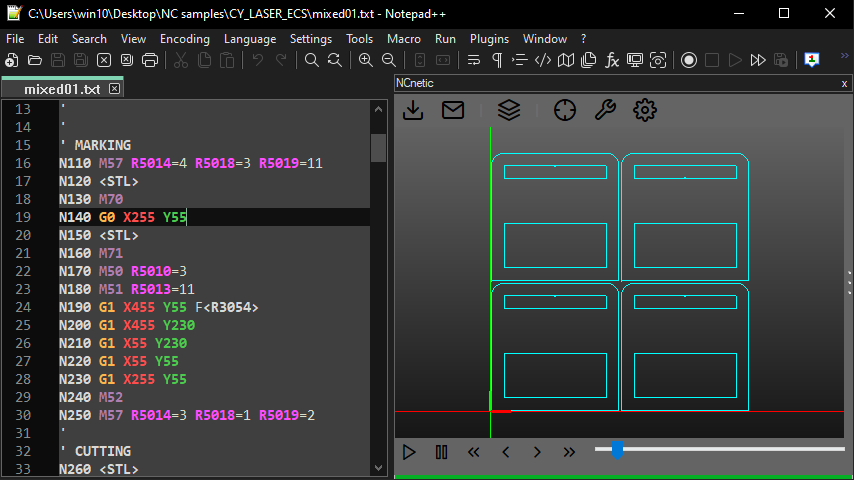
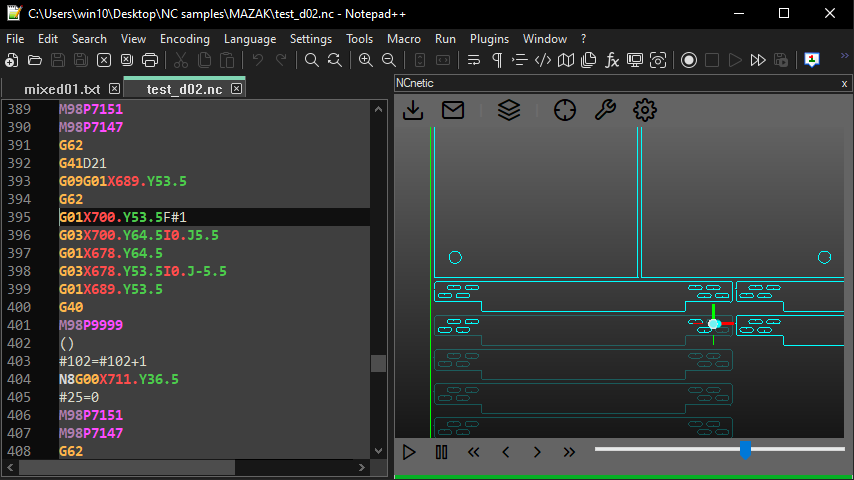
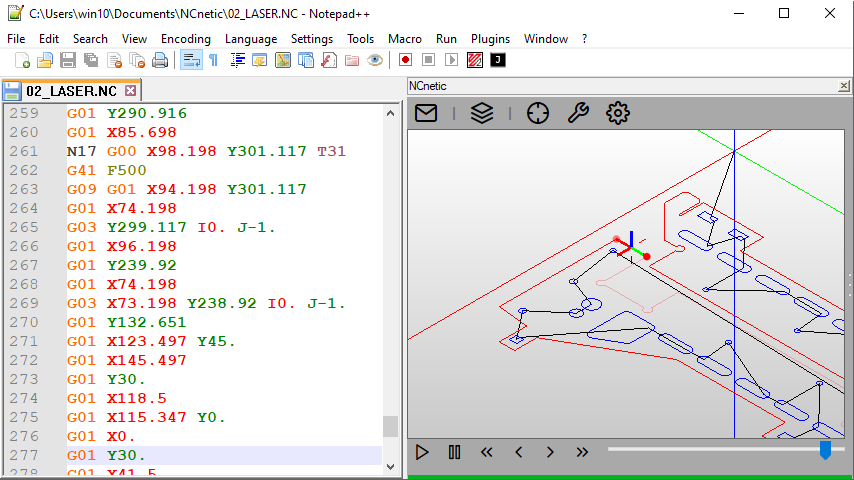
NCneticNpp extends Notepad++ with an integrated 3D simulation interface for NC files. It allows users to preview and analyze toolpaths, helping detect errors before running the program on the machine. The 3D view is synchronized with the code, enabling quick navigation between the editor and the simulation.
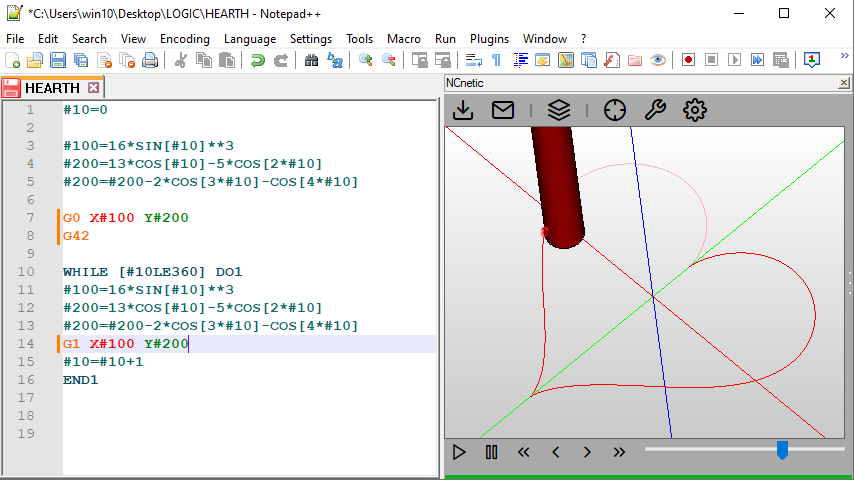
NCneticNpp supports simulation of 4- and 5-axis machines, with configurable kinematic chains including table and head rotations. It also includes parametric programming support (variables and loops) and customizable dictionaries for macros, proprietary codes, and machine-specific behavior.
Installation:
- Download the plugin.
- Locate the Notepad++ plugins folder:
- 32-bit: C:\Program Files (x86)\Notepad++\plugins
- 64-bit: C:\Program Files\Notepad++\plugins
- Add the corresponding plugin file:
- 32-bit: C:\Program Files (x86)\Notepad++\plugins\NCneticNpp\NCneticNpp.dll
- 64-bit: C:\Program Files\Notepad++\plugins\NCneticNpp\NCneticNpp.dll
- Launch the plugin and activate it with your license, or use the provided trial license.
Gallery: