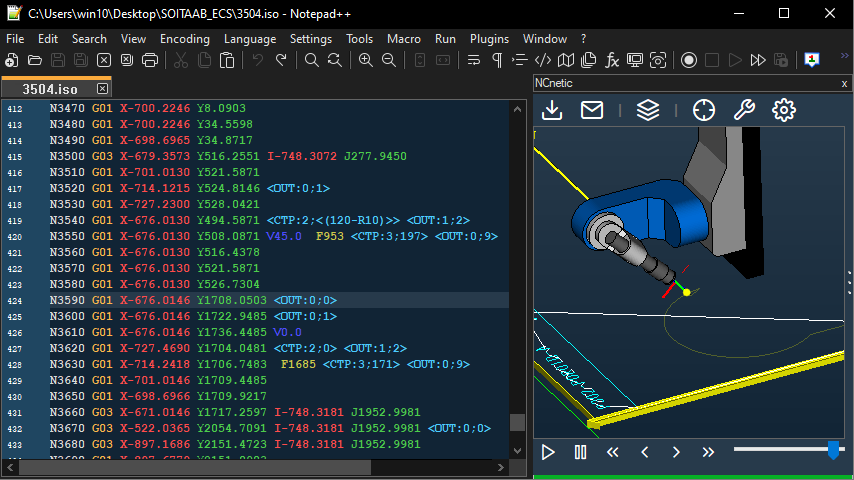
In the CNC world, it is often necessary to integrate special functions or procedures to perform specific automated tasks. Over the years, manufacturers have been forced to implement proprietary sets of commands (or even entire languages) to overcome the limitations of the standard G-code command set.
NCnetic can integrate and process these customizations by configuring a custom machine. Feel free to contact us for more information on setting up your specific machine’s simulation environment.
For assistance with creating or configuring your custom machine, reach out to us. We can provide guidance or even help generate the configuration tailored to your machine.
Setup.
- Open the ‘Options & Settings’ window and check the ‘CUSTOM MACHINE’ property (set it to true).
- Specify the custom file path under the ‘MACHINE FILE’ property.
- If 3D *.stl files are to be used, place them in the same folder as the ‘MACHINE FILE’.
XML custom machine file
The XML file acts as a configuration file, setting all parameters for the custom machine to be simulated. The lexer, kinematics chain, variables, and their behavior are defined within this file.